Your PowerShell Scripts Are Debt. Microsoft Is Calling Them In.
Last week I closed the ROI column with a promise: the ledger flips to the liability column, the PowerShell scripts your identity operation has been quietly carrying for years. Before I make that case, a confession. I have written my share of them. The identity system I built at a small tech university in Arizona in the nineties, the one we called Login Manager, was homegrown automation top to bottom, because there was nothing to buy. If your identity management stack runs on scripts today, I am not looking down at you. I am looking at my own early work.
So here is the direct answer this title owes you. Removing PowerShell script tech debt does not mean deleting every script on campus. The debt was never the language. The debt is load-bearing automation with no owner, no monitoring, no vaulted credentials, and no migration plan, doing provisioning and deprovisioning work your institution depends on every day. Paying it down is four moves: inventory every script that touches identity, name an owner for each one, vault and log the ones you keep, and move the load-bearing flows onto event-driven, monitored integration.
And there is now a clock on the wall. It is not your clock. We will get to whose it is.
The Scripts Are Load-Bearing, and They Are Publicly Documented
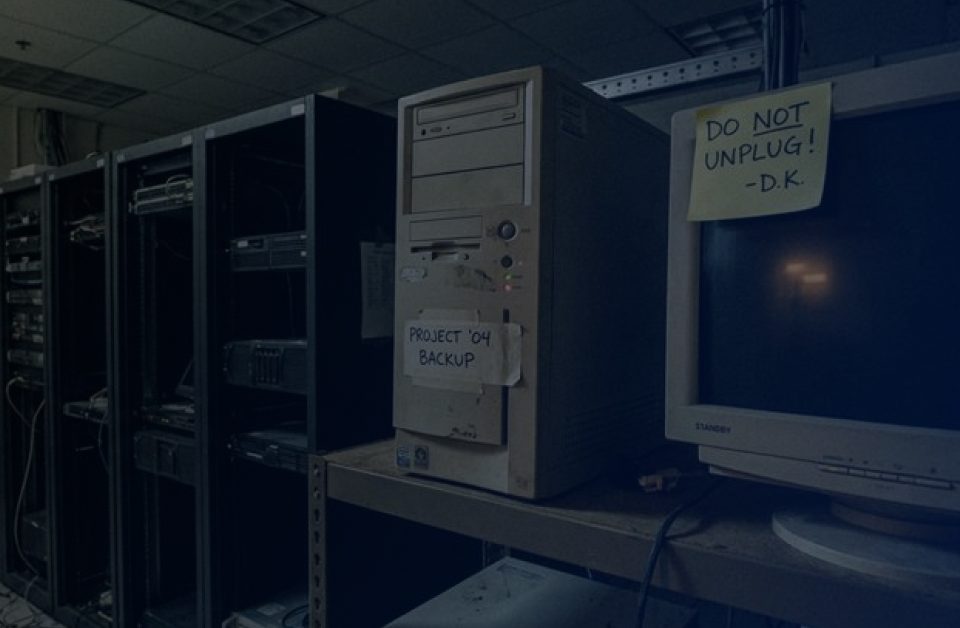
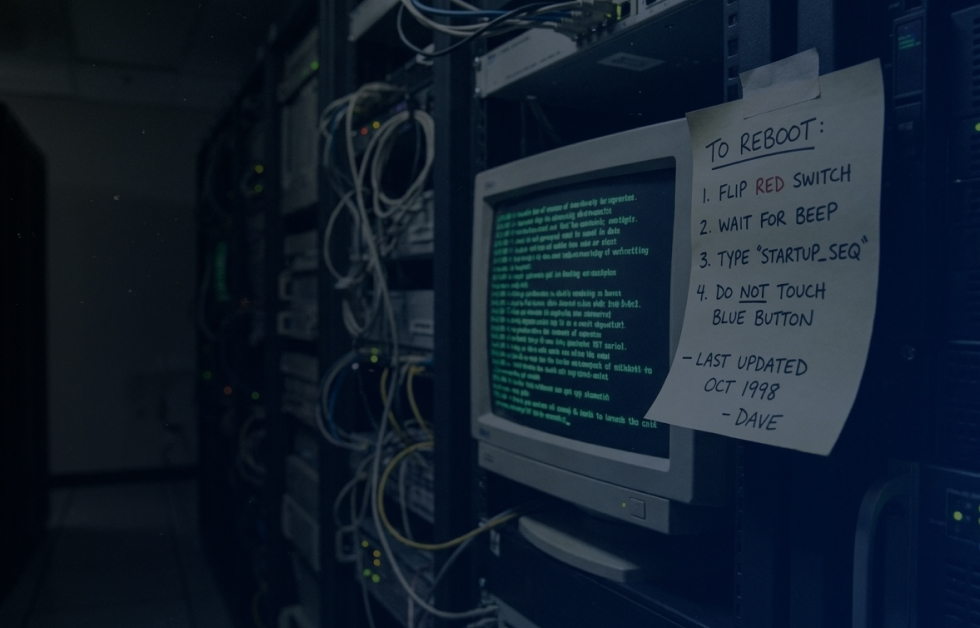
I opened this column series with a picture of the average identity shop: cobbled PowerShell, hacked SQL jobs, a nightly batch process that almost works. Some readers thought I was exaggerating. The sector's own paper trail says otherwise.
Northeastern University recently posted for a senior identity engineer whose duties include, verbatim, overseeing "automation scripts and workflows (e.g., using PowerShell) to streamline provisioning and de-provisioning processes." The University of Alaska's identity wiki still publicly documents account creation flowing from a Banner extract, with a nightly batch job that deactivates unclaimed accounts, on a page last touched more than a decade ago. LSU's knowledge base describes a homegrown account-creation service that polls a queue every five minutes, with a separate batch process for organizational-unit assignment. Seton Hall's official policy tells new hires their account usually appears within minutes, but can take up to forty-eight hours "if the automated systems detect a conflict between systems that require manual intervention." That sentence is a load-bearing human, written into policy.
Even Microsoft assumes this is how you operate. Its own reference architecture for inbound provisioning describes the expected campus pattern in plain terms: your system of record drops CSV exports, and "an unattended PowerShell script" on a scheduled server reads them in.
Earlier this month I wrote about state auditors reading offboarding logs. Follow one of those audits to its remediation plan and you find my favorite detail of the season. At UT San Antonio, where former employees kept as many as sixteen undocumented security groups, the fix on file is expanding the daily Active Directory extract to include more fields. The remedy for the script is more script. That is what compounding looks like.
The Due Date Arrived, and You Did Not Pick It
Here is why this column runs now and not someday. The modules that a generation of campus identity scripts were written against are gone. Microsoft retired the MSOnline module last year and the AzureAD module months later, and the legacy Graph API underneath them followed. Retirement did not mean unsupported. It meant the cmdlets stopped answering. Microsoft even ran deliberate temporary outages first, stopping production scripts mid-run on purpose, so that unmigrated automation would surface before the hard stop. Commercial products broke alongside the homegrown stuff; one major identity vendor published a knowledge-base article explaining why its own product's functions died with the modules.
The treadmill has not stopped. The synchronization engine most Microsoft campuses run between their directory and the cloud now carries a mandatory minimum version, and Microsoft's documentation says plainly that below it, all synchronization services will fail. That deadline is September 30 of this year, one week after this column publishes. The same documentation page announces the standing policy: every version of the sync engine retires twelve months after its successor ships. Four versions retired this year alone. Microsoft would rather you move to its cloud-based sync service, which upgrades itself.
Let me be fair to Redmond, because fairness is the point. Microsoft published every one of these dates years in advance, shipped migration maps for every retired cmdlet, and built a compatibility module to soften the landing. This is not a vendor being cruel. This is a platform declining to carry your glue code's assumptions forever, and saying so in writing. The gap is on our side of the fence: a deprecation notice does not forward itself to a script. The notice reaches the person who owns the automation, and if nobody owns the automation, it reaches nobody.
The Best Case for Your Scripts Is Better Than the Vendors Admit
Now the argument my industry prefers to skip, stated at full strength. Your PowerShell scripts are text files. You can read them, diff them, version them, and audit them line by line. They cost nothing per user per year. They encode institutional knowledge no vendor has: the registrar's exception cases, the dual-enrollment edge conditions, the department that insists on its own naming convention. And they cannot be taken hostage by a roadmap, a licensing change, or an acquisition.
The commercial alternative, meanwhile, has a documented failure rate that should humble every salesperson in my market. Gartner analysts have estimated that roughly half of identity governance deployments are in distress, missing their functional, budget, or timeline commitments. At Identiverse, the identity industry's own flagship conference, a Ping Identity vice president ran a session titled "Why Your IAM Project is Failing." Higher ed noticed all of this long ago, which is why institutions like Virginia Tech run production identity on community-built platforms like midPoint and Grouper rather than corporate suites. When EDUCAUSE's research director warns that quick fixes and reactive purchases lead to technical debt and poor interoperability, he is describing failed purchases as much as aging scripts.
So the honest fight is not scripts versus platforms. It is owned automation versus unowned automation. Radovan Semančík, who wrote the book on open-source identity management, makes both halves of the point: closed-source tools adapt badly to requirements nobody predicted, and yet, in his words, scripts become "too difficult to maintain in the world where new application is deployed every couple of weeks." A script with an owner, a vault, a log, and a migration plan is not debt. It is a tool. A script whose author left three budget cycles ago, holding credentials in plain text and running nightly against your student information system, is debt at compound interest. And a distressed platform deployment is just debt with an invoice attached. My industry's build-versus-buy numbers are often no better sourced than the script folklore, and after last week's column on interrogating vendor statistics, I do not get to pretend otherwise.
The Principal Is a Person, Not a File
Strip the metaphor and the debt has a name and a badge number. Fifty-seven percent of higher-ed IT employees now report working beyond full-time hours, up from forty-three percent two years earlier. Three-quarters of campus technology leaders call their workloads excessive, with understaffing the most-cited cause. One in four higher-ed employees expects to look for another job within the year, and the sector's professionals just received their smallest raise in four years, a hair above inflation. When Appalachian State set out to modernize identity, by its own account it lost its identity manager three months into phase one. The person who can read the script is overloaded, under-compensated, and one counteroffer from leaving. That is the principal on this loan. Not the file. Her.
The interest is security exposure, and the receipts are current. Identity-based techniques showed up in eighty-five percent of ransomware attacks on education institutions in this year's Sophos study, the highest of any sector measured. NSA and CISA list cleartext credentials sitting in files among their top ten misconfigurations, the kind their assessment teams say they find over and over, and scheduled identity scripts are exactly where those credentials live. The PowerSchool breach that touched tens of millions of student records started with one unattended support credential that no multi-factor challenge protected. The University of Pennsylvania learned last fall that automated access keeps right on working after the human account gets cut. Unattended credentials with standing privilege are the pattern, and a folder of nightly PowerShell scripts is a warehouse of them. The federal guidance on PowerShell, notably, does not say ban it. It says govern it: log it, constrain it, vault the secrets. Governance, again. It always comes back to governance.
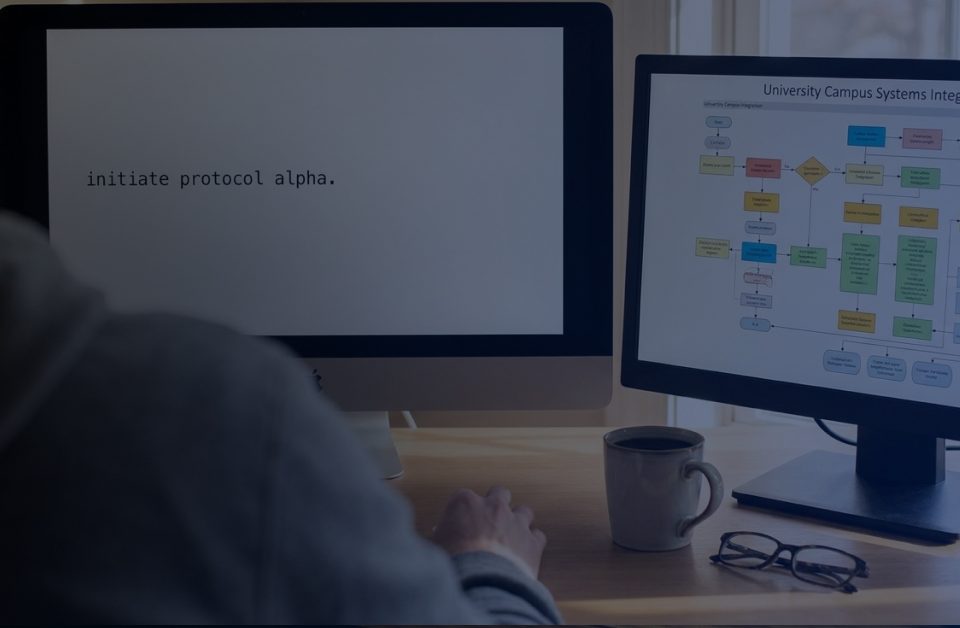
This is the layer we built QuickLaunch to replace, so let me say plainly what that means and where it stops. On our platform the load-bearing flows stop being scripts: an enrollment change in the SIS becomes a governed identity action the moment it posts, and event-driven lifecycle automation revokes or grants access in seconds instead of on tonight's batch schedule. Real-time directory sync reads the system of record directly, which is how the reconciliation scripts and the manual provisioning queue actually retire. A connector catalog covers the long tail so each new app does not spawn a new bespoke script. Two things stay on your desk no matter whose logo is on the platform: the inventory, because no vendor can find the scripts only your team knows exist, and the ownership decisions, because naming who answers for each flow is governance, not software. Migration is a project, not a toggle, and anyone who tells you otherwise is selling the distress Gartner measured.
So run the four moves. Inventory every script that touches identity, this term, before the auditors or the deprecation notices do it for you. Name an owner for each one. Vault and log the survivors. Migrate the load-bearing flows to event-driven integration that reports its own outcomes. The scripts were never the shame. The silence around them was. And if the rewrite has always been the step you could not afford, next week's column is for you: the way integrations get written just changed, and the rewrite is finally cheaper than the workaround. That story is next Wednesday.
Take the Next Step
Primary: Score your campus on the On-Ramp Lifecycle Audit , QuickLaunch's sixteen-question identity lifecycle assessment; its lifecycle lane will surface most of the script inventory for you. Current capability detail lives in the release notes
Secondary: Follow the weekly column on the QuickLaunch blog. Next week: how AI changed the way we write integrations forever.
FAQ
What is PowerShell script tech debt in identity management?
PowerShell script tech debt is the accumulated risk of hand-built automation (PowerShell, shell scripts, SQL jobs, scheduled CSV imports) that carries identity provisioning and deprovisioning for an institution without an owner, monitoring, credential vaulting, or a migration plan. The scripts work until a dependency retires, the author leaves, or an auditor asks who approved an access change, and the institution discovers the automation was load-bearing with nobody accountable for it.
What happened to the MSOnline and AzureAD PowerShell modules?
Microsoft deprecated the MSOnline and AzureAD PowerShell modules on March 30, 2024, and retired them in 2025: MSOnline stopped working by late May 2025 and AzureAD ceased functioning in October 2025, after deliberate temporary outage tests earlier in each year. The legacy Azure AD Graph API behind them was fully retired in September 2025. Scripts must migrate to the Microsoft Graph PowerShell SDK or the Microsoft Entra PowerShell module, which Microsoft says has over 90 percent cmdlet parity with AzureAD. Separately, Microsoft Entra Connect Sync requires a minimum version of 2.5.79.0 by September 30, 2026, below which all synchronization services fail, and each 2.x version retires 12 months after its successor ships.
Should a university replace its identity scripts with a commercial platform?
Not automatically, and not all of them. Gartner analysts have estimated that roughly half of commercial identity governance deployments end up in distress, so buying badly is also technical debt. The defensible pattern is to migrate load-bearing flows (SIS-driven provisioning, deprovisioning, directory sync) to an event-driven, monitored integration platform with named owners, and to keep small, edge-case scripts only where in-house expertise is deep and the app portfolio is stable, with each surviving script owned, logged, and credential-vaulted.
How do you secure the PowerShell scripts you keep?
Follow the joint NSA and CISA "Keeping PowerShell" guidance: enable deep script block logging, module logging, and transcription; remove PowerShell version 2; and use remoting with modern authentication. Replace credentials embedded in scripts with a secrets vault, such as the PowerShell SecretManagement module backed by a hardened store, because NSA and CISA list cleartext credentials in files among the top ten misconfigurations their assessment teams find. Every kept script also needs a named human owner and a scheduled review.
References
- Senior Identity & Access Management Engineer, Northeastern University (job posting) — Built In Boston. https://www.builtinboston.com/job/senior-identity-access-management-engineer/9132777
- Security: Account Administration (IAM wiki) — University of Alaska. https://iam.alaska.edu/trac/wiki/ALL__security_account_admin
- Account creation process — Louisiana State University GROK Knowledge Base. https://grok.lsu.edu/Article.aspx?articleId=12838&printable=y
- Account Generation Processes (policy) — Seton Hall University. https://www.shu.edu/policies/account-generation-processes.html
- API-driven inbound provisioning with PowerShell — Microsoft Learn. https://learn.microsoft.com/en-us/entra/identity/app-provisioning/inbound-provisioning-api-powershell
- UTSA Offboarding Processes Audit Report (SAN25AS0005) — The University of Texas System, Office of Internal Audit. https://www.utsystem.edu/sites/default/files/documents/ut-system-reports/2026/utsa-offboarding-processes-report/utsa-offboarding-processes-report.pdf
- Migrate from Azure AD PowerShell to Microsoft Graph PowerShell: FAQ — Microsoft Learn. https://learn.microsoft.com/en-us/powershell/azure/active-directory/migration-faq
- Preparing for the MSOnline Module Retirement — Office 365 for IT Pros. https://office365itpros.com/2025/01/15/msonline-module-retirement/
- Azure AD PowerShell and MSOnline PowerShell modules not functioning after March 30th, 2025 (KB 4378170) — One Identity. https://support.oneidentity.com/active-roles/kb/4378170/
- Harden and update Microsoft Entra Connect Sync — Microsoft Learn. https://learn.microsoft.com/en-us/entra/identity/hybrid/connect/harden-update-ad-fs-pingfederate
- Microsoft Entra Connect Sync: Version release history — Microsoft Learn. https://learn.microsoft.com/en-us/entra/identity/hybrid/connect/reference-connect-version-history
- Deprecated versions of Microsoft Entra Connect — Microsoft Learn. https://learn.microsoft.com/en-us/entra/identity/hybrid/connect/deprecated-azure-ad-connect
- Distressed IGA Deployments (quoting Gartner) — Pathlock. https://pathlock.com/distressed-iga-deployments/
- Why Your IAM Project is Failing (Identiverse 2025 session) — Identiverse. https://identiverse.com/idv25/session/?idvid=2812771
- Secure Identity Services: midPoint and Grouper — Virginia Tech Division of IT, 2024 Annual Report. https://it.vt.edu/resources/annual-report/2024/featured-highlights/sis-midpoint-grouper.html
- Higher Ed Tech Leaders Pursue Consolidation (2026 EDUCAUSE Top 10 coverage) — Inside Higher Ed. https://www.insidehighered.com/news/tech-innovation/artificial-intelligence/2025/10/31/higher-ed-tech-leaders-pursue-consolidation
- Practical Identity Management with MidPoint — Radovan Semančík, Evolveum. https://docs.evolveum.com/book/practical-identity-management-with-midpoint.html
- Higher Ed Employee Retention Survey Findings (September 2025) — CUPA-HR. https://www.cupahr.org/resource/higher-ed-employee-retention-survey-findings-september-2025/
- EDUCAUSE workforce report shows higher ed tech leaders are overwhelmed — EdScoop. https://edscoop.com/educause-workforce-report-shows-higher-ed-tech-leaders-are-overwhelmed/
- Admin raises outpace inflation while faculty salaries lag — Inside Higher Ed. https://www.insidehighered.com/news/faculty/career-development/2026/03/27/admin-raises-outpace-inflation-while-faculty-salaries
- App State IAM/IGA Straight Talk (case study) — Bravura Security. https://www.bravurasecurity.com/app-state-iam-iga-straight-talk
- Identity-based attacks are responsible for 85% of ransomware in education — Sophos. https://www.sophos.com/en-us/press/press-releases/2026/08/identity-based-attacks-are-responsible-for-85-of-ransomware-in-education
- NSA and CISA Red and Blue Teams Share Top Ten Cybersecurity Misconfigurations (AA23-278A) — CISA. https://www.cisa.gov/news-events/cybersecurity-advisories/aa23-278a
- PowerSchool data breach: Explaining how it happened — TechTarget. https://www.techtarget.com/whatis/feature/PowerSchool-data-breach-Explaining-how-it-happened
- University of Pennsylvania confirms data stolen in cyberattack — BleepingComputer. https://www.bleepingcomputer.com/news/security/university-of-pennsylvania-confirms-data-stolen-in-cyberattack/
- Keeping PowerShell: Security Measures to Use and Embrace — CISA/NSA. https://www.cisa.gov/news-events/alerts/2022/06/22/keeping-powershell-measures-use-and-embrace
- Understanding the SecretManagement module — Microsoft Learn. https://learn.microsoft.com/en-us/powershell/utility-modules/secretmanagement/get-started/understanding-secretmanagement?view=ps-modules
- QuickLaunch Release Notes — QuickLaunch. https://quicklaunch.io/resources/quicklaunch/
*Raymond Todd Blackwood is the President of QuickLaunch and writes about identity, agentic AI, and the messy reality of higher-ed IT. #ItsExistential*